High-Performance Remote Desktop Servers

Remote Desktop (RDP) Server Rental

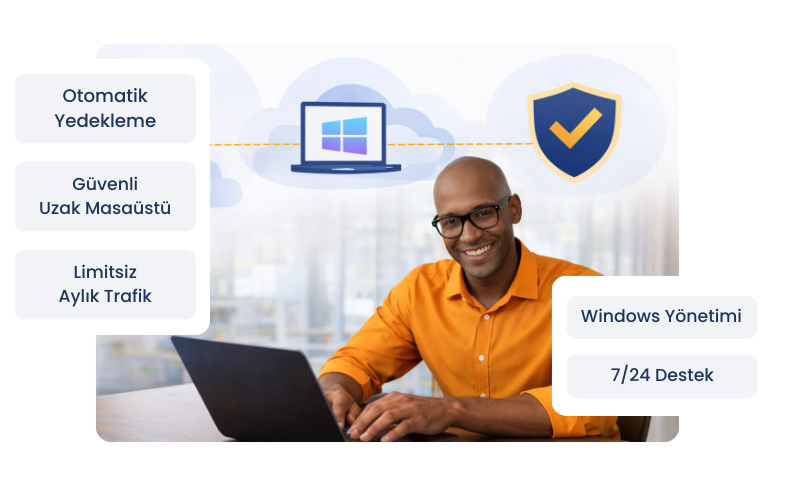
With NVMe SSD–based infrastructure, our remote desktop server rental service delivers a fast, secure, and uninterrupted Windows RDP experience. Instant setup and 24/7 technical support with Teknorova assurance.

WordPress Hosting Package

Software and ITAccounting and FinanceE-CommerceCall CentersEducational InstitutionsRemote Working TeamsHealthcare SectorArchitecture and EngineeringAutomation and Bot Systems

Customize Your Remote Desktop (RDP) Server Package

With remote desktop server packages configured with resources tailored to your needs, manage your projects securely on a high-performance Windows RDP server.

Model
  • CPU
  • RAM
  • Disk
  • IP Address
  • Bandwidth
  • Price
Customize Your RDP Server, Set Your Own Rules
  • - 2.8/3.6 Ghz
  • - DDR4 RAM
  • - NVME SSD
  • 1 Dedicated IP
  • -

Common Server Features

Some common features you can have with our servers.

Free Instant Setup
Free Instant Setup

Your server is delivered to you free of charge within 1.5 hours.

Latest Technology Hardware

We use the latest technology hardware to keep your performance at its highest level.

Server Management Support

Our experts are ready to provide 24/7 support for your server on basic issues.

Easy Management Panel

A Turkish and easy management interface where you can have full control.

100% NVME SSD
100% NVME SSD

Without exception, all our servers derive their power from NVME SSDs for the best performance.

Expandable Resources

When your existing server packages are not enough for you, you can configure them as you wish.
What Is a Remote Desktop Server (RDP)?

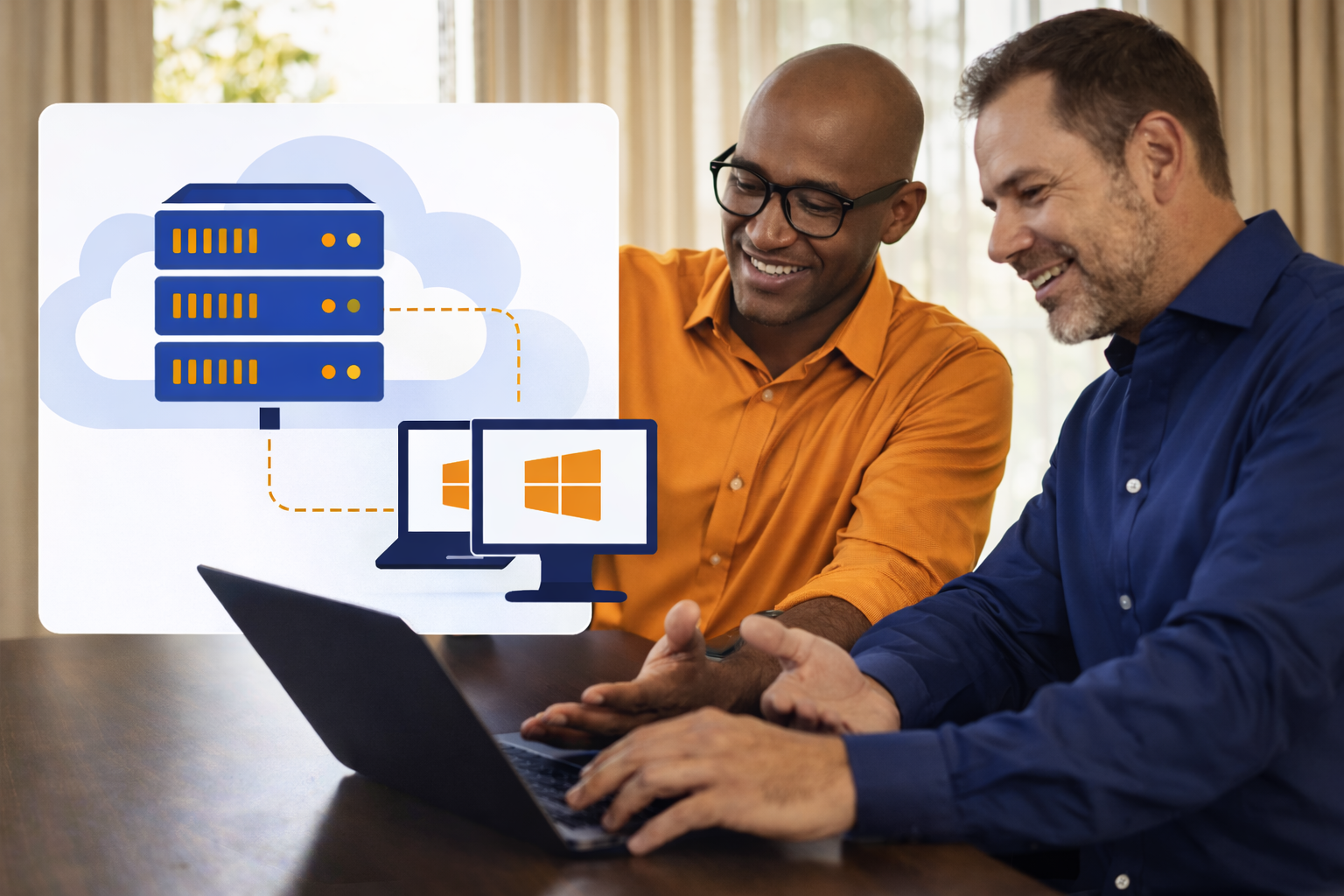
A Remote Desktop Server is a virtual server service that can be accessed from anywhere via the internet using Windows RDP technology. Users can connect to the server through a remote desktop connection without the need for a physical computer.

An RDP server provides a secure and flexible solution for remote work, software usage, automation, and professional business processes. With Teknorova’s infrastructure, users benefit from a high-performance and isolated remote desktop experience.

What is a VDS Virtual Server?
What is the Difference Between a Physical Server and a Virtual Server?

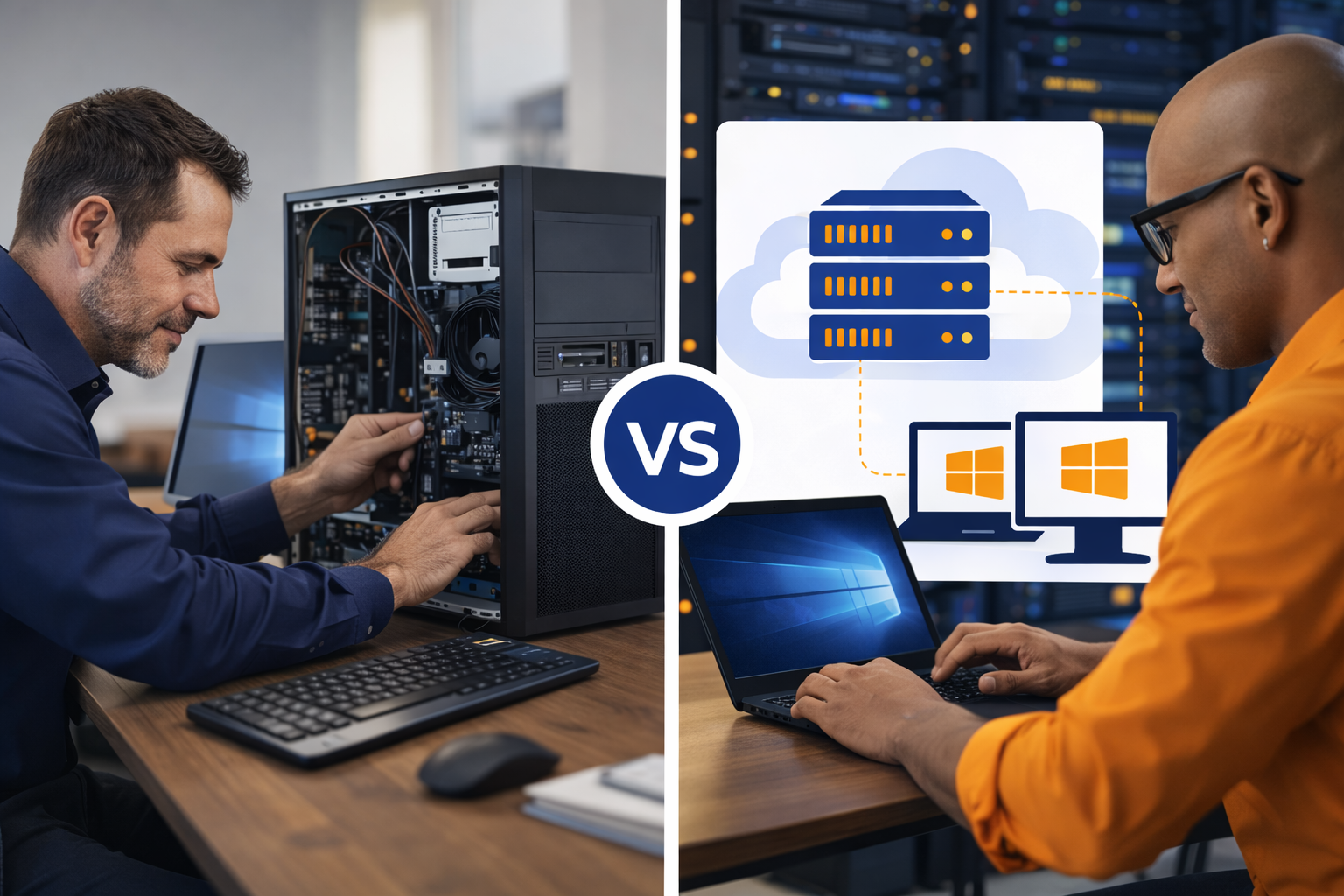
What Is the Difference Between a Physical Computer and a Remote Desktop Server?

A Remote Desktop Server operates as an isolated virtual environment on a powerful physical server. From the user’s perspective, it functions just like a local computer, but offers higher performance, continuous availability, and hardware independence.

While physical computers require maintenance and have hardware limitations, the RDP server rental model allows all infrastructure management to be handled by the service provider—so users can focus entirely on their work.

What Are the Advantages of Renting a Remote Desktop Server?

Renting a Remote Desktop Server allows businesses to use a professional infrastructure without investing in expensive hardware. Thanks to NVMe SSD storage and powerful system resources, users enjoy a fast and stable Windows RDP experience.

Remote access, flexible usage, scalable resources, and 24/7 technical support make Remote Desktop Servers an ideal solution for both individual and corporate projects. Remote desktop technology fully supports modern and distributed working models.

What are the Advantages of a Virtual Server?

Frequently Asked Questions

We answer all your questions about the processes and technical details regarding our RDP Server service here.

An RDP server is a Windows-based virtual server that can be accessed over the internet using a Remote Desktop connection. Users can connect to the server via Windows RDP without the need for a physical computer.

RDP server rental allows you to use a remote desktop server on a monthly or yearly basis without investing in expensive hardware. All infrastructure, maintenance, and security are managed by the service provider.

An RDP server operates in a professional data center and provides continuous access, high performance, and hardware independence. Regular computers, on the other hand, have hardware limitations, maintenance requirements, and location dependency.

RDP servers are commonly used for:
  • Remote work
  • Software and accounting applications
  • Automation and bot processes
  • SEO and analytics tools
  • Corporate applications

Yes. Teknorova RDP servers operate on an isolated infrastructure with secure connection protocols. Access is restricted and protected against unauthorized use.

Yes. Depending on the selected package and licensing structure, multi-user access is available. The number of users and system resources can be configured according to your needs.

No. Thanks to NVMe SSD storage and an optimized network infrastructure, RDP servers provide a smooth and low-latency remote desktop experience. Connection speed may vary depending on your internet quality.

RDP servers are usually activated within a short time and made ready for use. After setup, access details are provided to the user.

Yes. You can install and use the software required for your business on your RDP server. You only need to ensure that resource usage is appropriate for your selected package.

When renting an RDP server, you should consider:
  • Disk type (NVMe SSD)
  • RAM and CPU capacity
  • Technical support
  • Security infrastructure
  • Provider experience

RDP server prices vary based on CPU, RAM, storage capacity, number of users, and additional services. Choosing the right package for your needs helps optimize costs.